
Mission briefing
From purchase to the final door
Operation Warp runs in your browser. No installs, no bookings, no schedules to keep. Here is the full path: five steps from checkout to the last door of the train.
Purchase and receive access
Buy the game and check your inbox. Your confirmation email carries two things: a secure link to the game, and a unique access code. Keep both. They are your ticket aboard.
From: ClueHall Dispatch
Subject: Your mission file — Operation Warp
Agent — your access is confirmed. Open the secure link below and enter your code when asked.
Access code
WARP-XXXX-XXXX-XXXX
Play on your computer
Open your link on a PC or laptop. Everything runs in the browser. Nothing to download, nothing to install.
On the other side of that link is a world of codes, clues, machinery, and documents. Look closely. Almost everything means something.
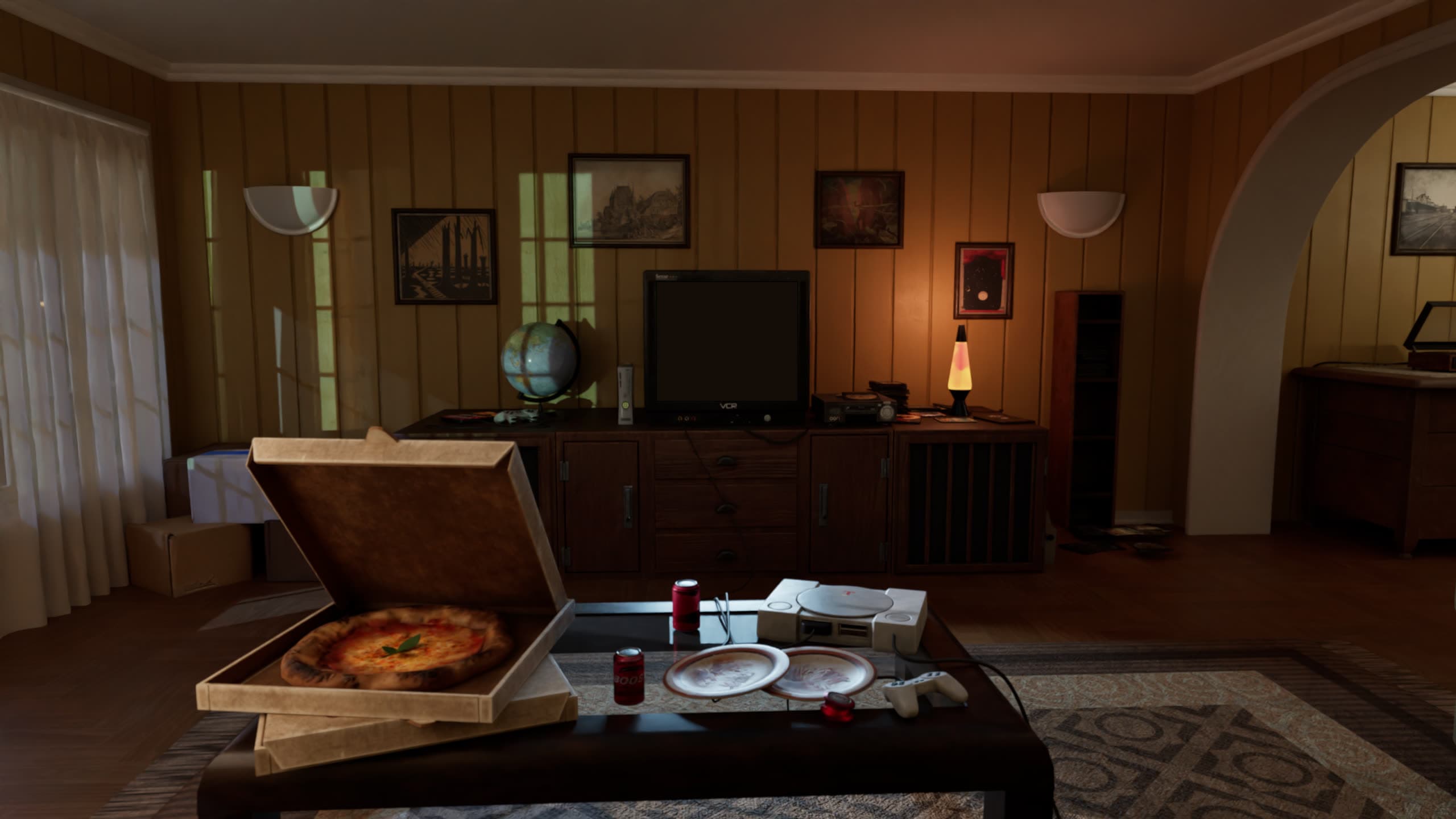
Solve clues and unlock progress
Each part of the train holds its own puzzles: riddles, interactive objects, and discoveries waiting in the dark.
Every solution moves the story forward and opens the next challenge. The deeper you go, the more the train gives up.
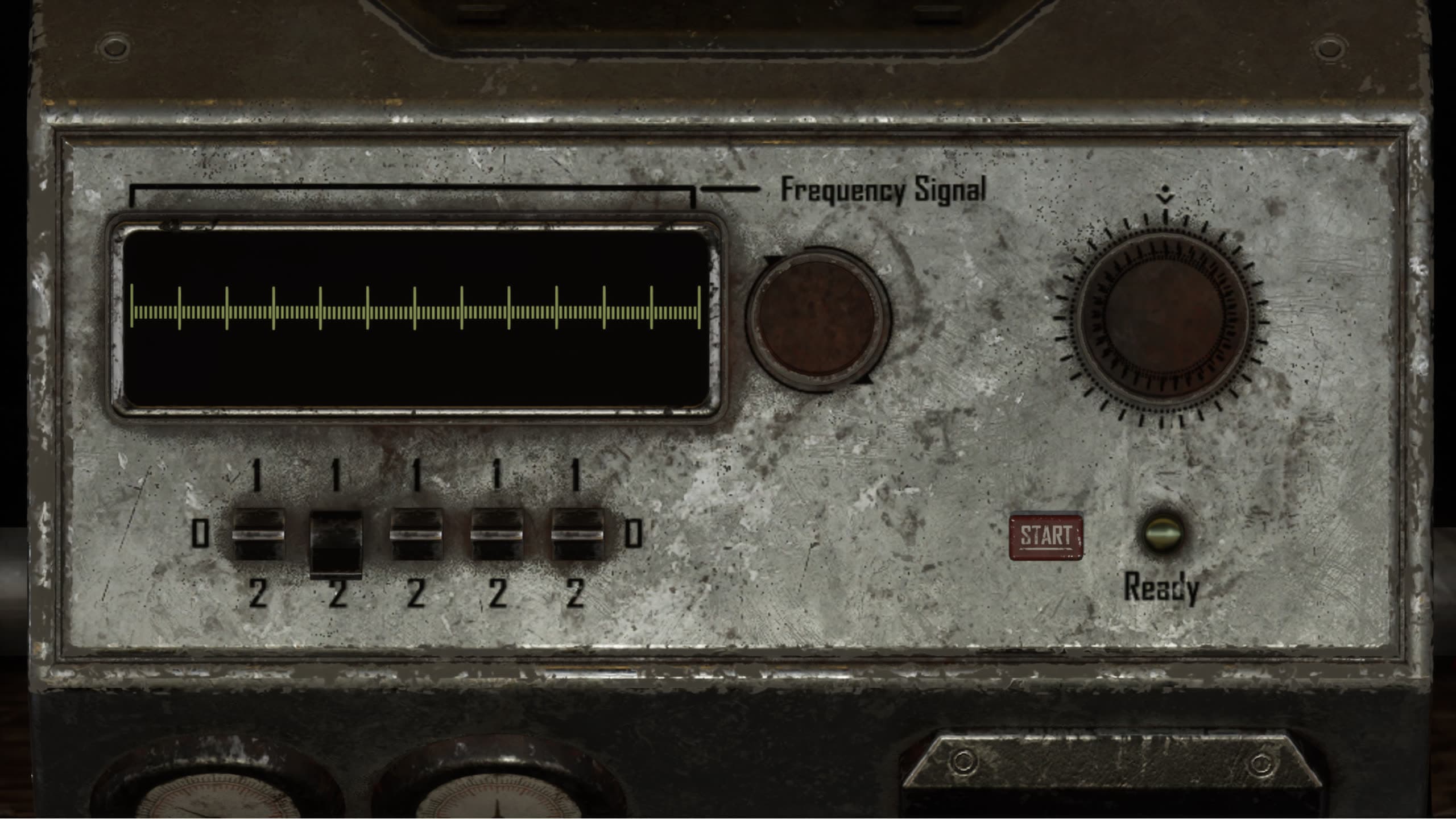
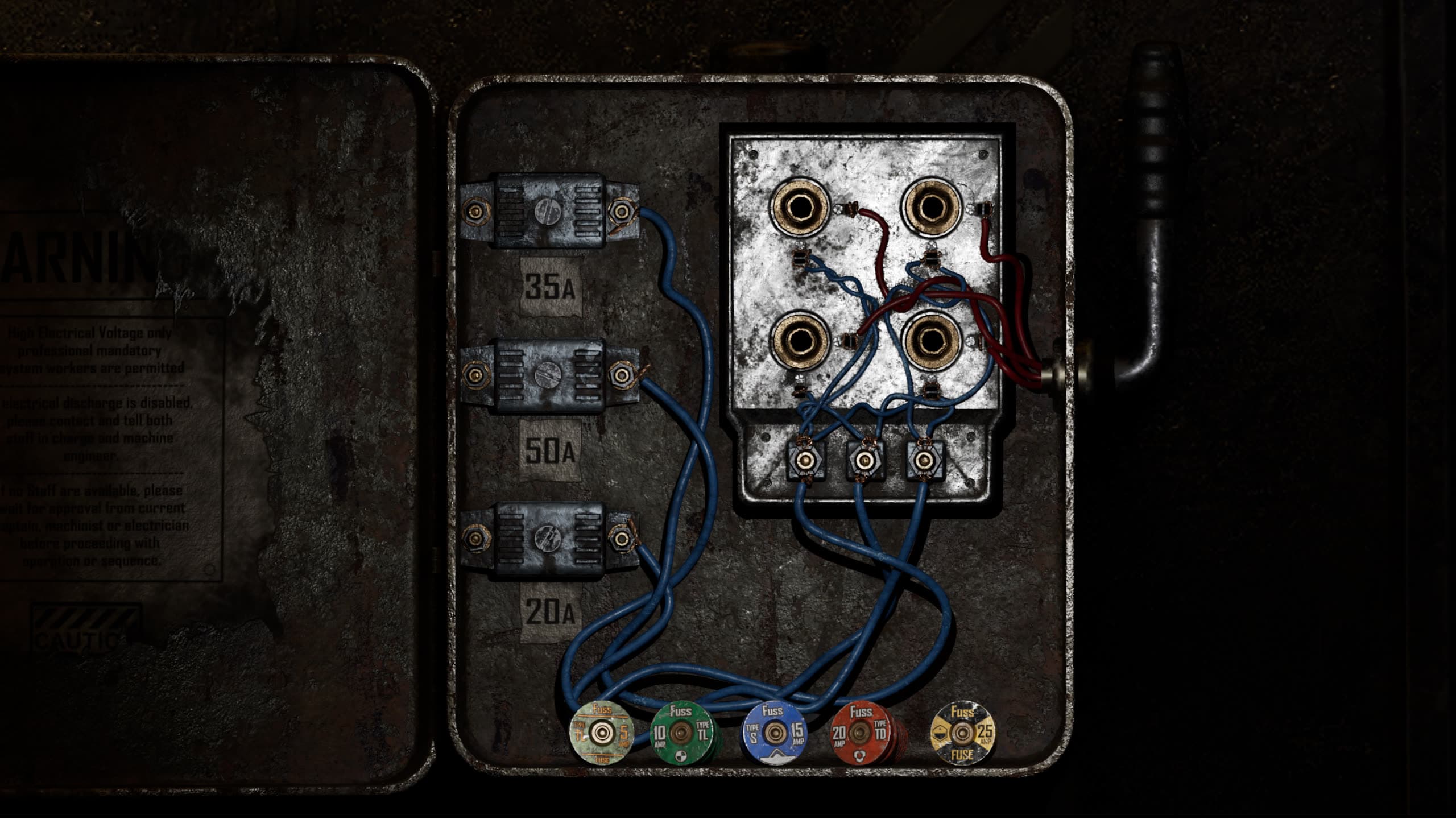
Play solo or with friends
Take the mission alone, at your own pace. Or gather friends and family around one computer and work the clues together. One screen, many minds.
Playing across cities? One person hosts the game and shares their screen and audio over Zoom, Meet, or Discord. Everyone else calls out what they see.
- Turn on “share system audio” so the whole team hears the game, not just the host.
- Headphones keep the call clean: no echo, no feedback.
- Talk it out. Every eye catches different details.
Pause and continue later
There is no countdown pushing you through in one sitting. Your progress is saved as you play.
Stop at a locked door tonight. Come back to it tomorrow. The train will still be there.
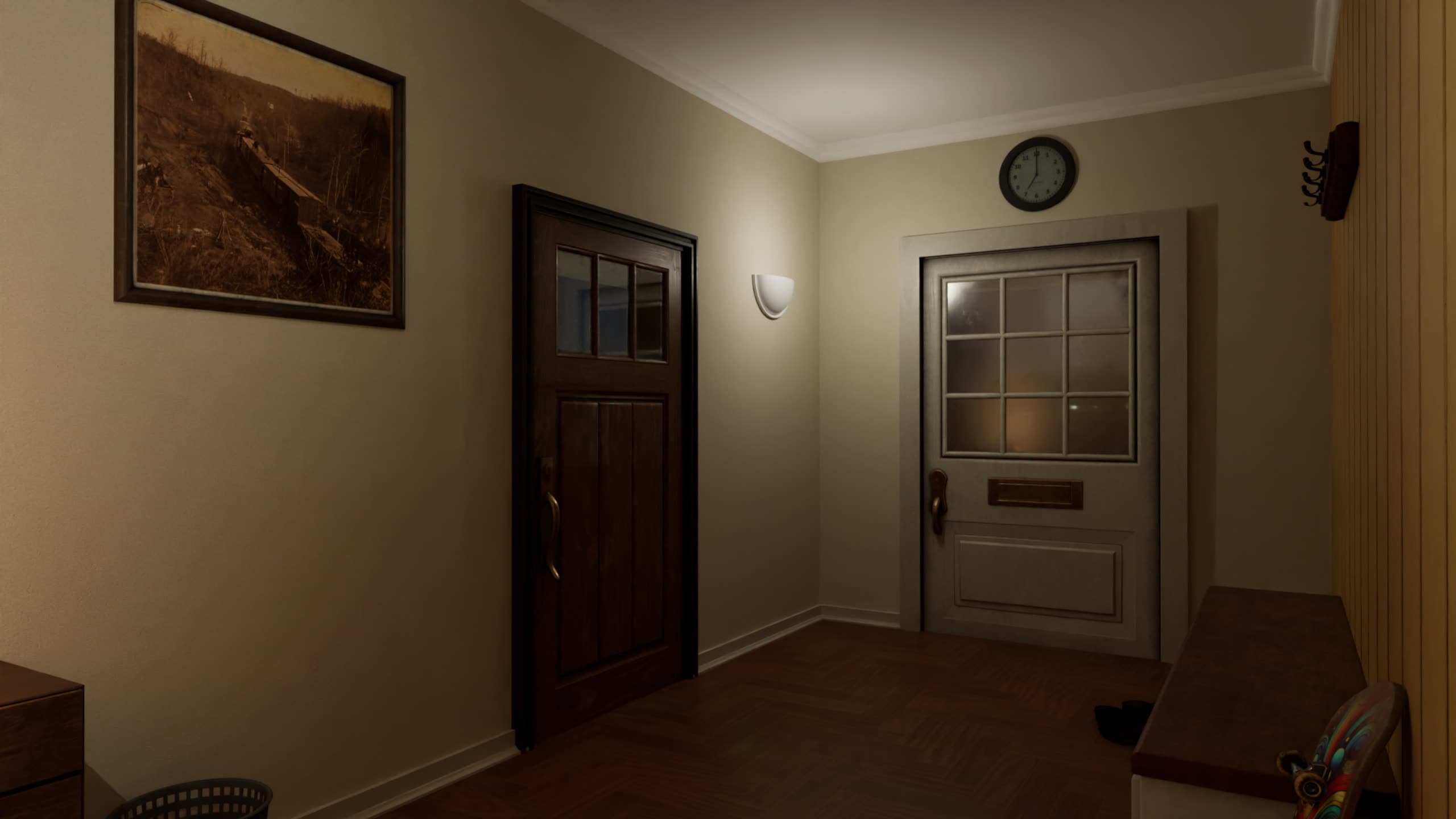
Operational details
The fine print,
in plain words
Does one purchase cover the whole group?
Yes. One purchase covers everyone playing together on one shared screen. The full license terms are being finalized and will be published here.
How are licenses activated?
Open the game link from your email and enter your access code. The exact activation flow is being finalized. Your email will always carry the current instructions.
Can I use my code on another computer?
Today, your progress lives with the browser and computer you play on. If you need to move to another machine, contact support and we’ll help. A smoother transfer option is being finalized.
How do I recover saved progress?
Come back on the same browser and computer and the game resumes where you left off, no extra steps. If your progress looks lost, contact support and we’ll look into it.
What happens when I finish?
The mission concludes. Hold on to your access code, and watch for the next ClueHall case.
How do I get support?
Head to the support page or write to [email protected]. A real person reads every message.
Next stop